HomeSolutions
Findings you can trust, with the fix attached.
Nullgap comments on your pull request only when it can prove a flaw. You triage by replying, see findings inline in VS Code, and apply a fix that has already been re-tested.
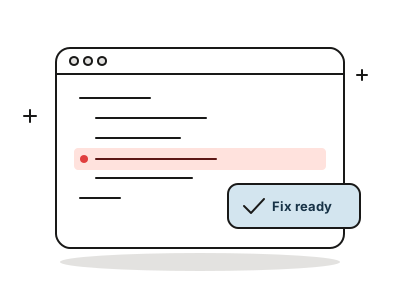
Security feedback where you already work.
No new dashboard. Proven findings and fixes show up in the pull request, the editor, Slack and your coding agent.
In the pull request
A comment with the proof attached when a flaw can be shown. Nothing when it can’t.
In VS Code
See findings inline, apply a verified fix locally, and triage without leaving the editor.
In Slack
Mention Nullgap or send it a message to ask about findings. Actions need a confirm click from the same person.
In your coding agent
Connect a coding agent over MCP so it can read findings and work with verified fixes.
Five replies cover most of it.
Reply to a Nullgap comment in the pull request. It updates the finding everywhere.
| Reply | What it does |
|---|---|
| !fp | Mark the finding as a false positive |
| !accept | Accept the risk and close it |
| !valid | Confirm the finding is valid |
| !reopen | Reopen a closed finding |
| @nullgap fix | Ask for a fix pull request, re-tested against the exploit |
Where to start
Developer questions
Will Nullgap spam my pull requests?
It comments when it can prove a flaw. Leads it can’t prove are not posted as findings.
Can I apply a fix locally?
Yes. The VS Code extension lets you apply a verified fix to your working copy and review it before you commit.
Can Nullgap act on its own from Slack?
No. Any action the Slack agent proposes needs a confirm click by the same person who asked.
Is there an API?
Yes: a REST API, webhooks and MCP for coding agents. See the documentation.
Get your first proof today.
Connect a repository and watch Nullgap find, prove and fix. You only ever see what it could prove.
Free 14-day trial · No card · or book a demo with a security engineer